Explore Network Adapters (NICs) Subcategories
Network Adapters (NICs)

.webp%3Fv%3D2&w=1920&q=75)
.webp&w=1920&q=75)
About Network Adapters (NICs)
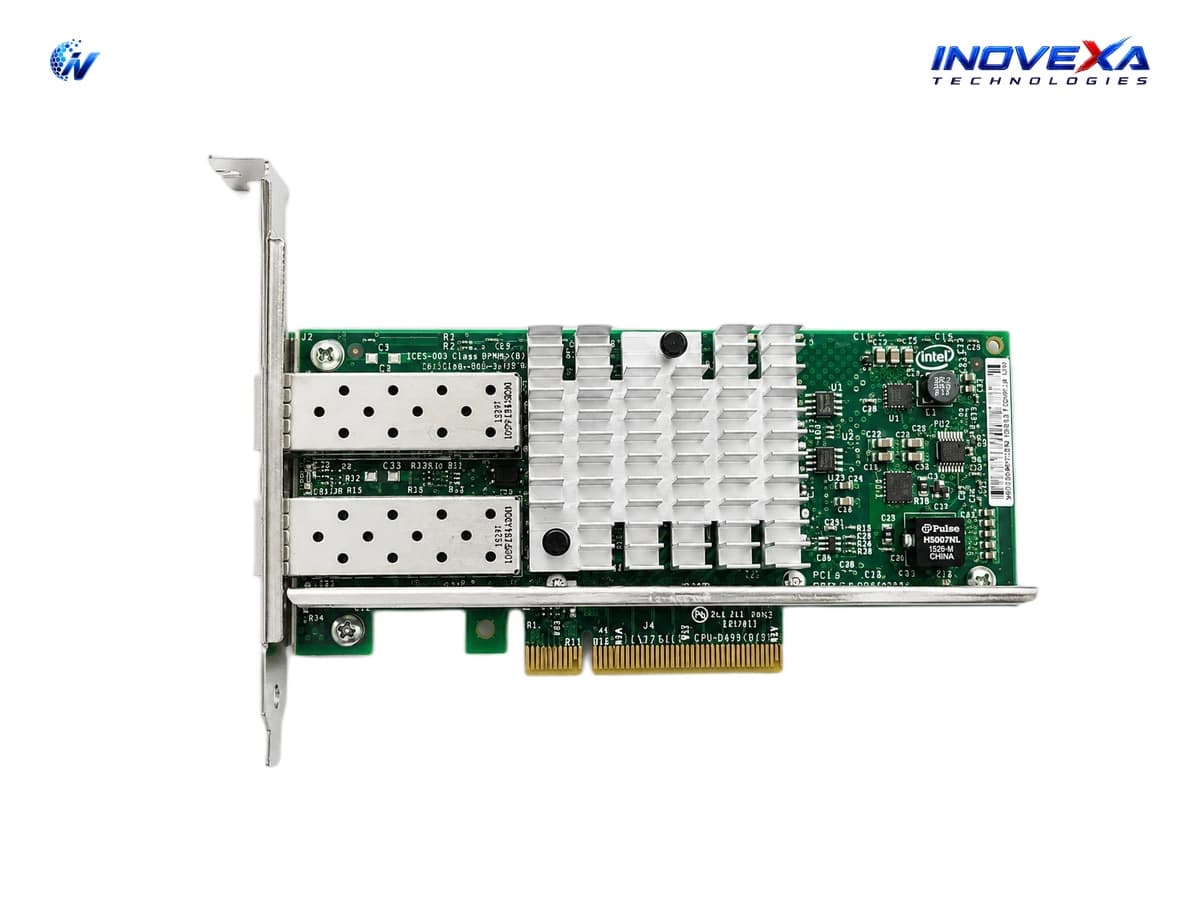
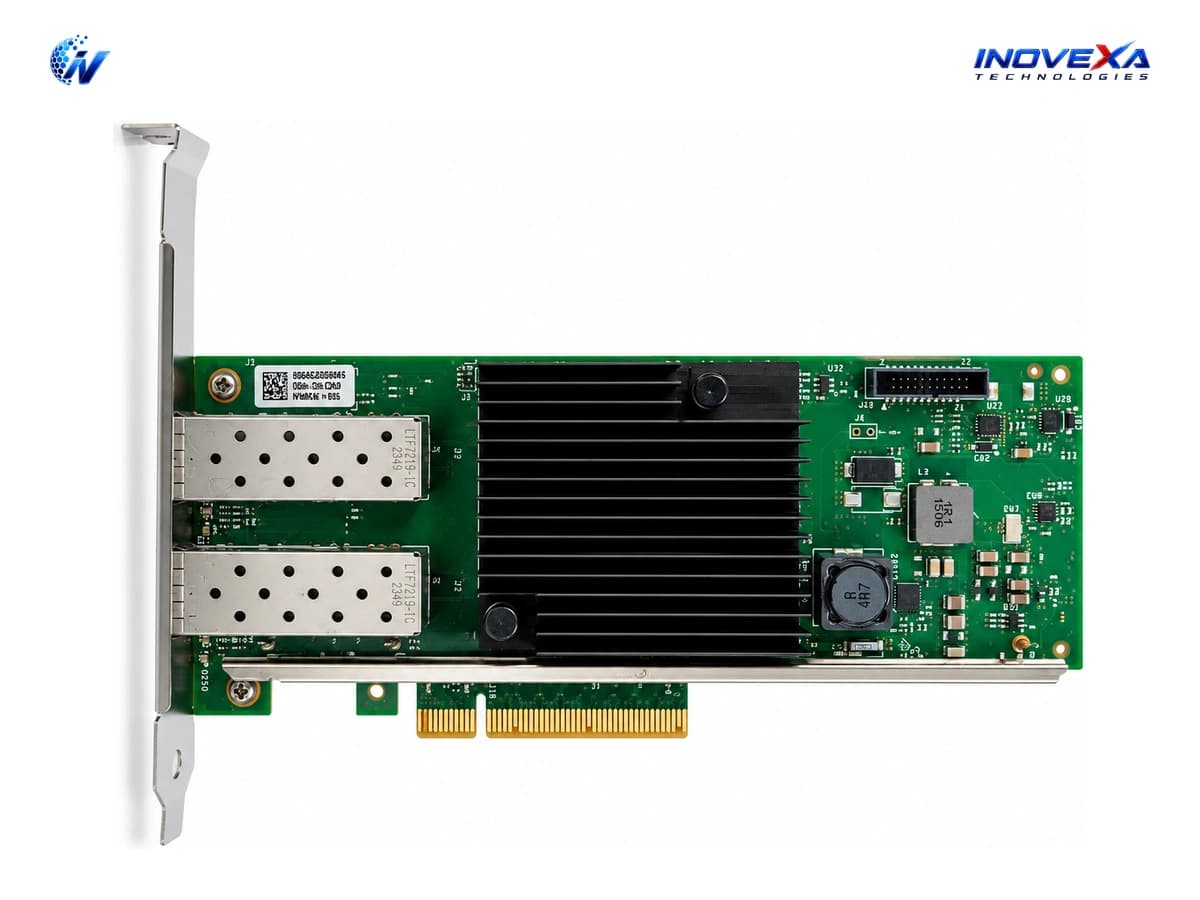
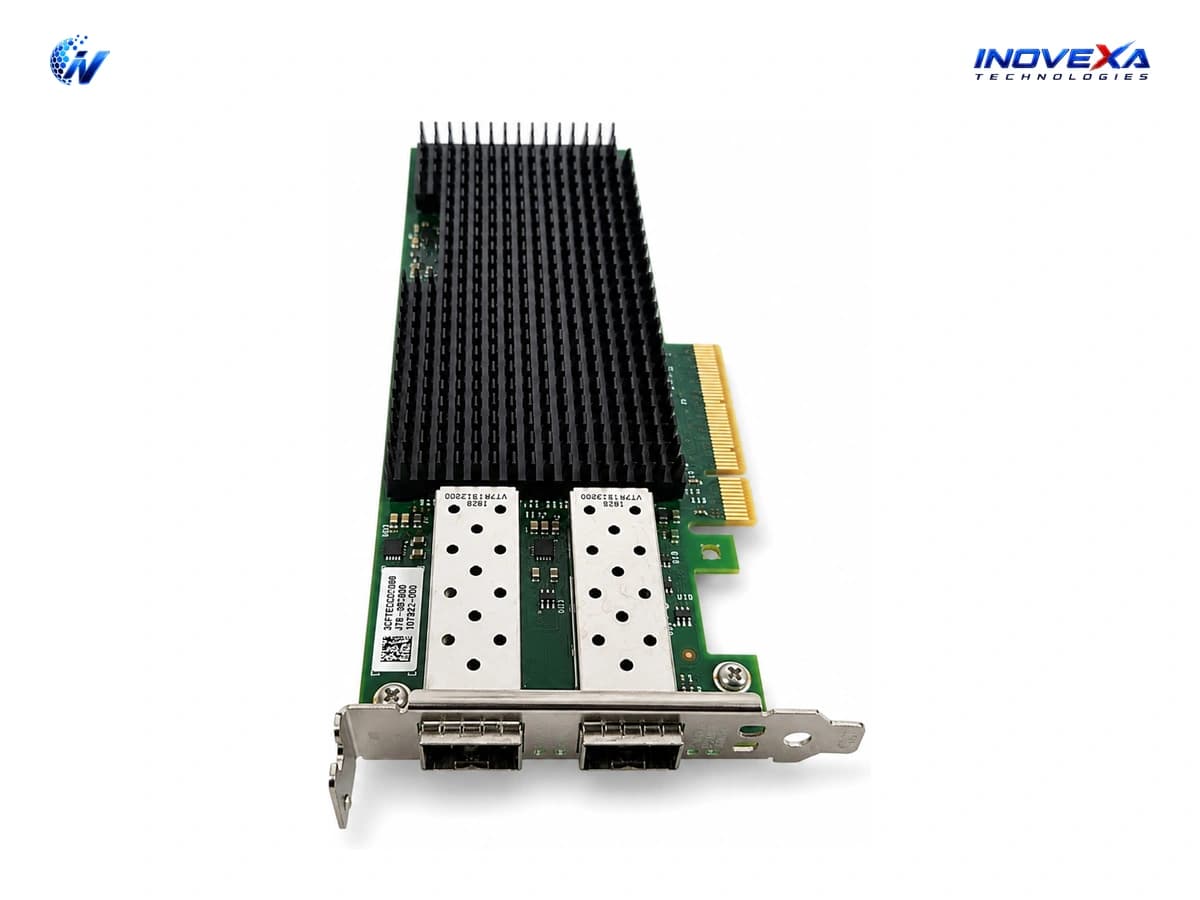
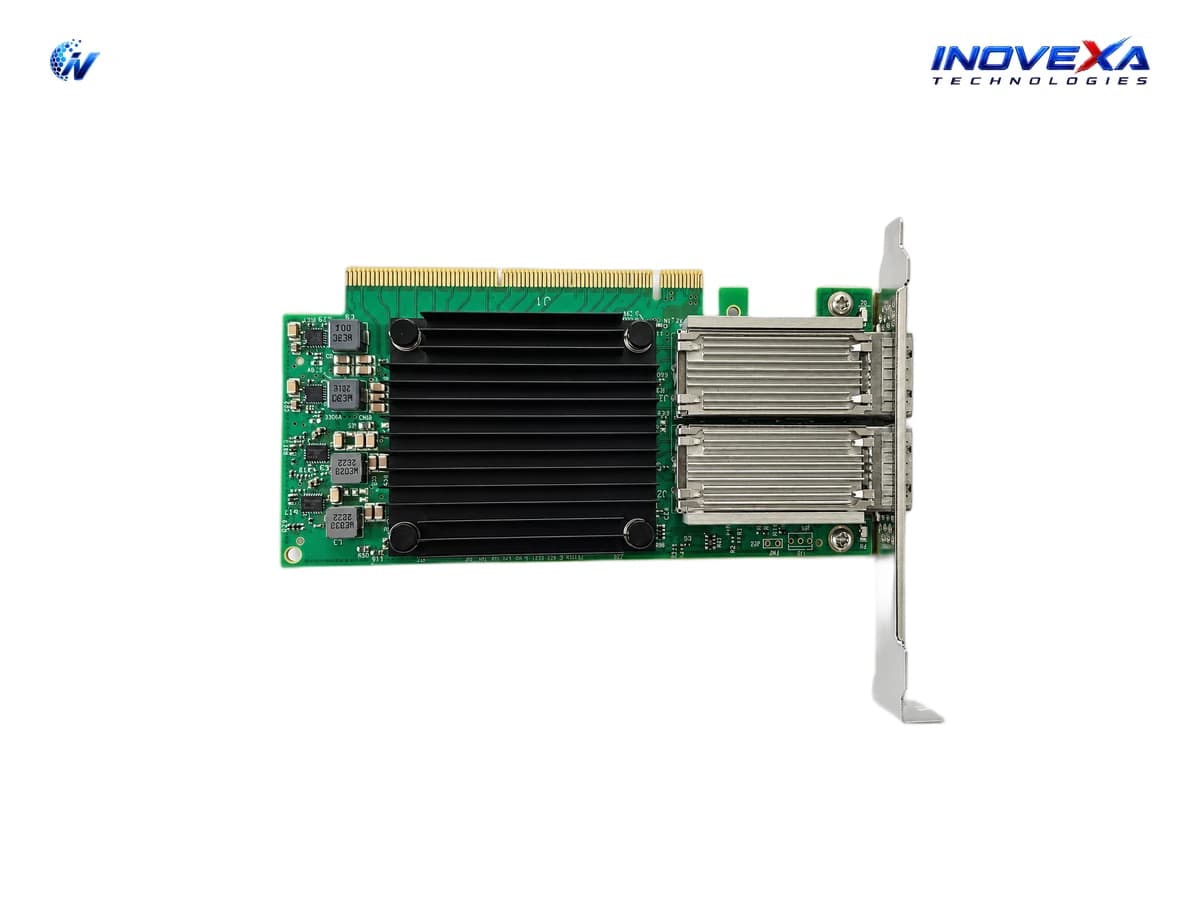
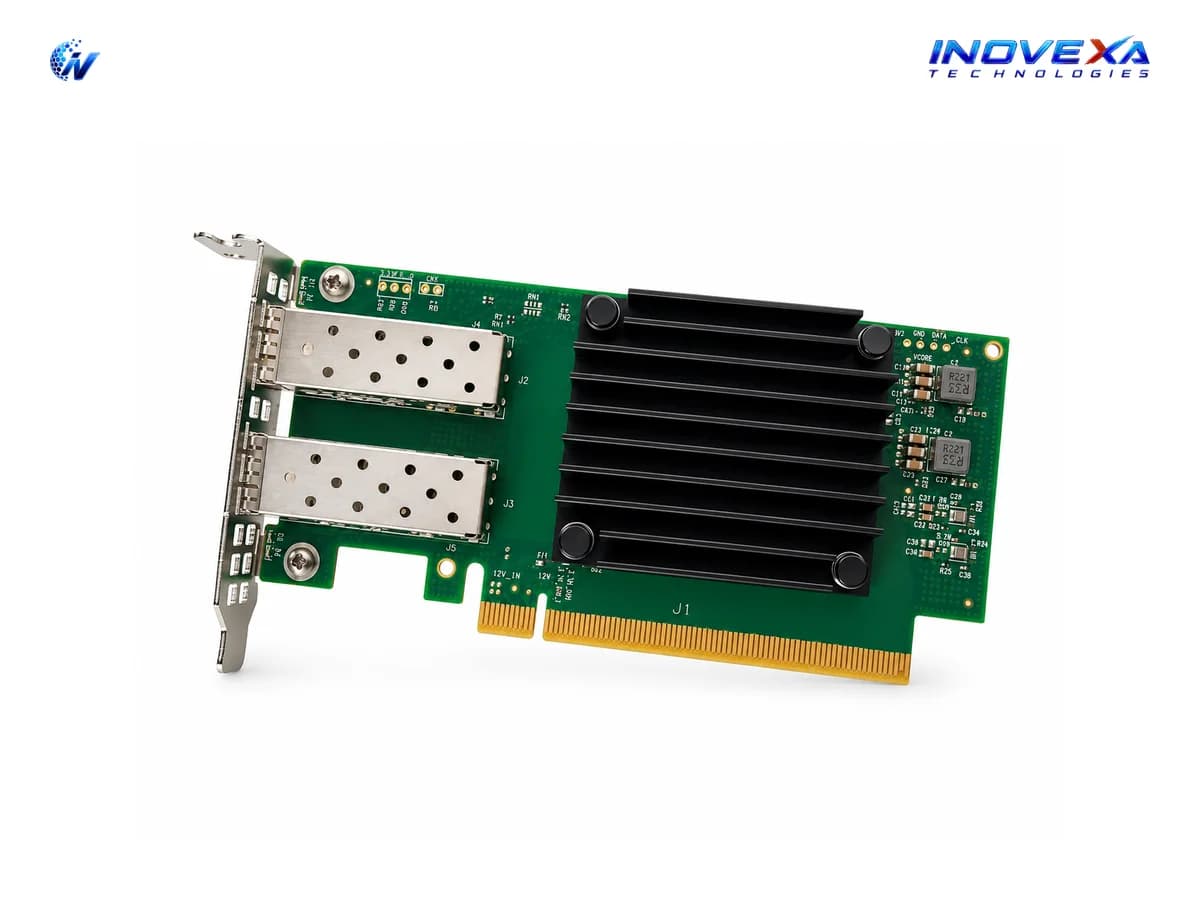
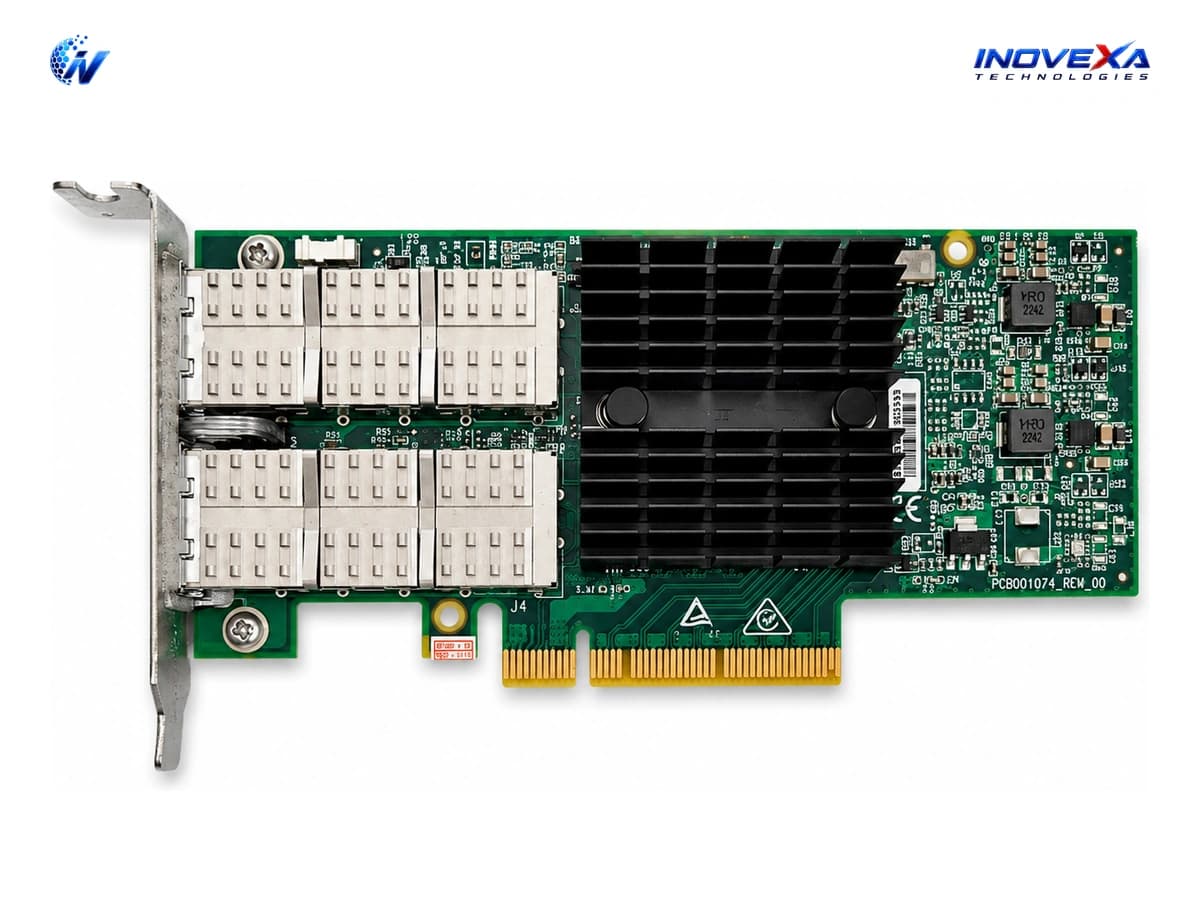
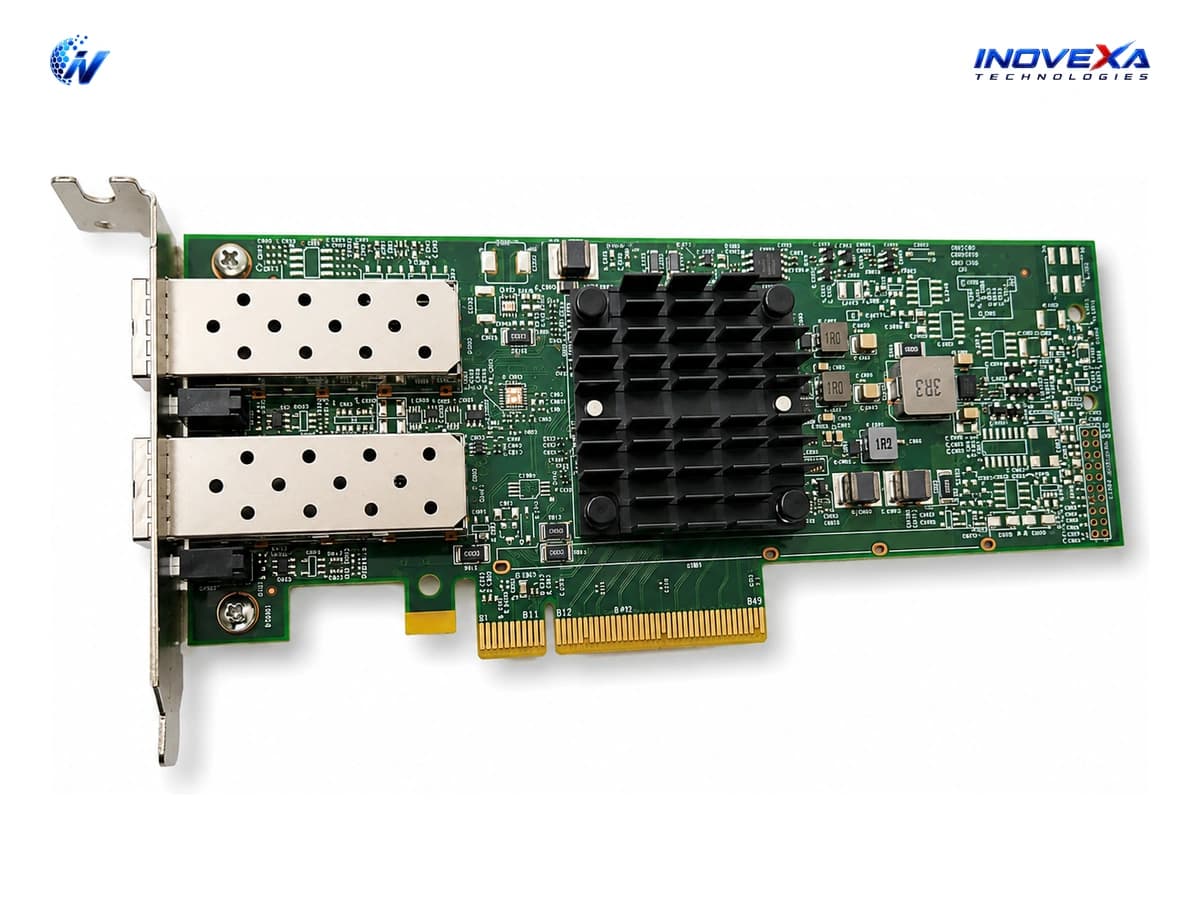
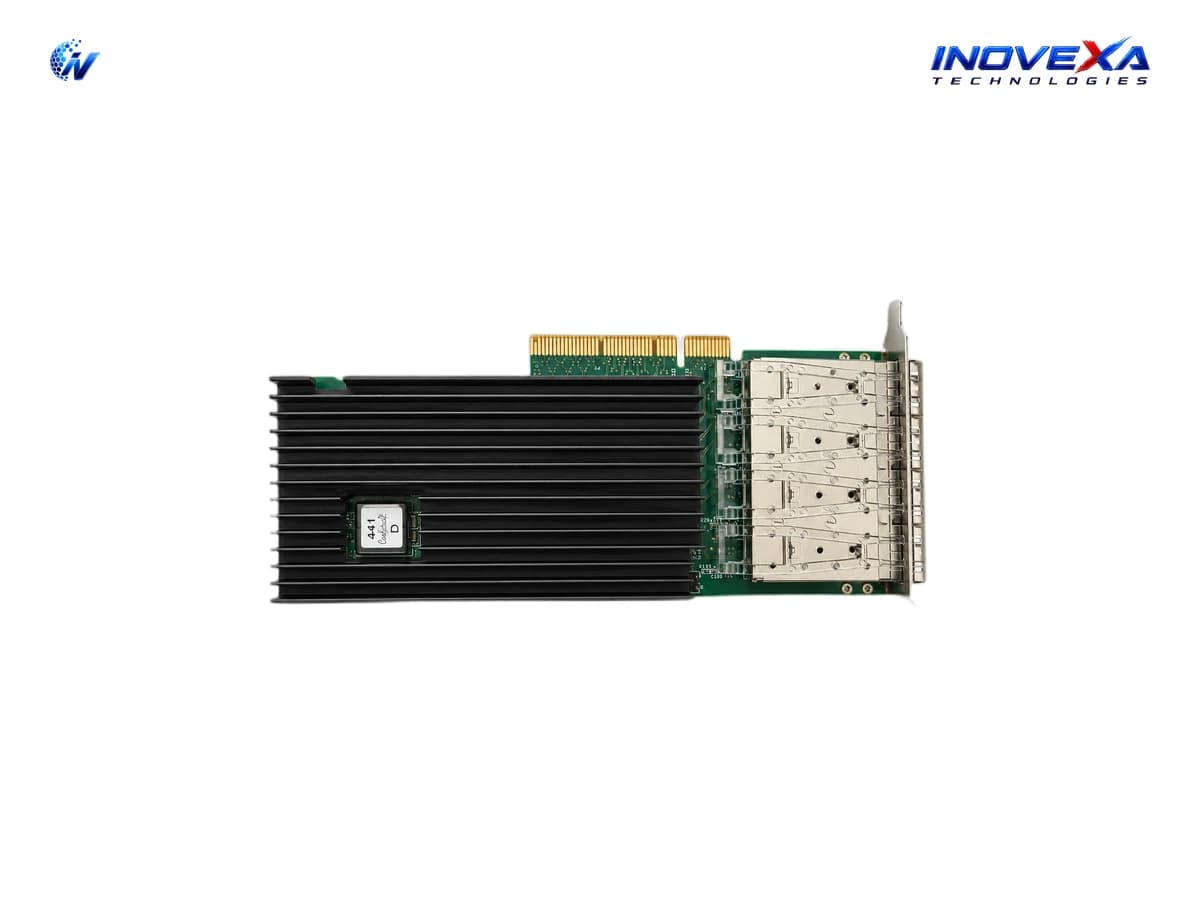
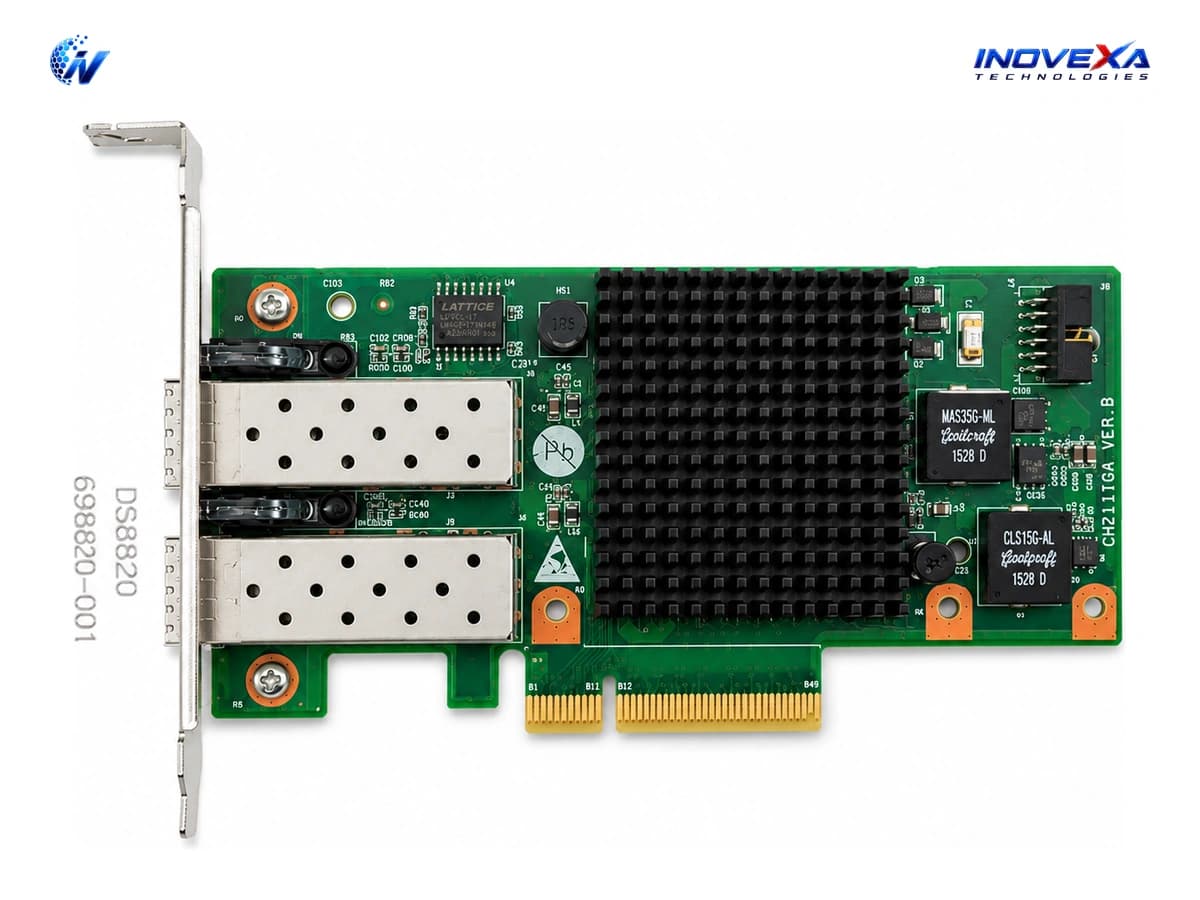
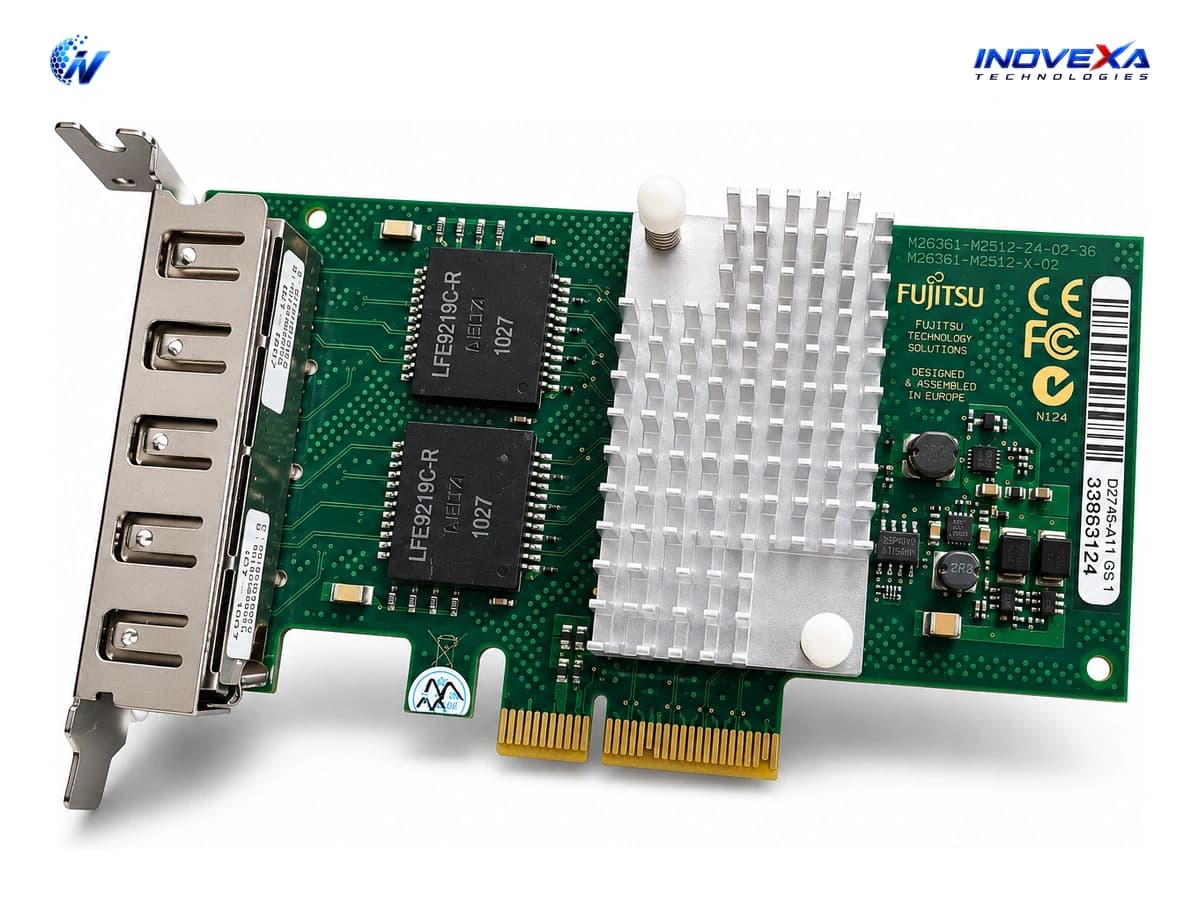
INOVEXA TECHNOLOGIES offers a growing range of Network Interface Cards (NICs) and PCIe network adapters designed for servers, workstations, PC MikroTik Router Servers, virtualization platforms, data centers, and enterprise networks across Bangladesh. Our network adapter lineup includes Gigabit Ethernet, 2.5GbE, 10GbE, 25GbE, 40GbE, and 100GbE solutions with different port configurations and interface types.
Depending on the model, our NICs are available with RJ45 copper, SFP+, SFP28, QSFP+, and QSFP28 interfaces, including single-port, dual-port, and multi-port configurations. We offer networking solutions from established manufacturers and platforms such as Intel, Broadcom, Mellanox/NVIDIA, HP, Dell, and other enterprise hardware suppliers, subject to product availability.
These network adapters are suitable for high-speed server connectivity, ISP routing, virtualization, storage networking, data center infrastructure, network aggregation, firewall appliances, and custom x86 MikroTik RouterOS systems. Depending on the selected model, features may include hardware offloading, SR-IOV, RDMA, VLAN support, PXE boot, iSCSI boot, and advanced network management capabilities.
Whether you need a dual-port 10GbE SFP+ NIC for a PC MikroTik Router Server, a 25GbE adapter for a virtualization host, or a high-speed multi-port NIC for enterprise infrastructure, INOVEXA TECHNOLOGIES provides flexible networking hardware based on your performance, interface, compatibility, and deployment requirements.
Network Adapter (NIC) Selection Guide
Choosing the right network adapter requires matching the network speed, interface type, PCIe compatibility, port count, and intended workload with your existing hardware.
1. Network Speed & Port Configuration
Select the appropriate network speed based on your infrastructure requirements. Available options may include 1GbE, 2.5GbE, 5GbE, 10GbE, 25GbE, 40GbE, and 100GbE depending on the model. Single-port, dual-port, and multi-port adapters can be selected according to the number of network connections required.
2. SFP+ / SFP28 / QSFP vs. RJ45
RJ45 NICs use standard Ethernet copper cabling and are convenient for conventional LAN environments. SFP+, SFP28, and QSFP-based NICs are commonly used for high-speed fiber, DAC, and data center connectivity, offering flexible media options for high-bandwidth networks.
3. PCIe Compatibility
Check the available PCIe generation and lane configuration of your motherboard before selecting a NIC. Higher-speed and multi-port adapters may require wider PCIe interfaces to achieve their full performance potential. Compatibility should also be checked against the operating system, server platform, and available PCIe slots.
4. Port Count & Network Expansion
Choose single-, dual-, or multi-port NICs based on your network architecture. Multi-port adapters are particularly useful for routers, firewalls, virtualization hosts, servers, and PC MikroTik Router Server builds requiring multiple independent network interfaces.
5. Hardware Features & Offloading
Depending on the model, enterprise NICs may support features such as RSS, checksum offloading, VLAN offloading, SR-IOV, RDMA, PXE boot, iSCSI boot, and virtualization acceleration. Always verify the specific product specifications before purchasing, as supported features vary between models.
Key Enterprise Benefits
High-Speed Network Connectivity
Support network infrastructure ranging from Gigabit Ethernet to high-speed 10GbE, 25GbE, 40GbE, and 100GbE connectivity, depending on the selected adapter.
Flexible Copper & Fiber Interfaces
Choose from RJ45, SFP+, SFP28, QSFP+, and QSFP28 interfaces to match your existing switches, routers, transceivers, DAC cables, and fiber infrastructure.
Multi-Port Network Expansion
Dual-port and multi-port NICs allow servers and router appliances to connect to multiple networks, uplinks, VLANs, or network segments through a single PCIe expansion card.
Server & Virtualization Ready
Suitable for physical servers, virtualization hosts, cloud infrastructure, storage systems, firewalls, and enterprise networking appliances, with supported features varying by model.
MikroTik RouterOS & x86 Networking
Selected network adapters can be used in PC MikroTik Router Servers and other x86 RouterOS systems, subject to chipset, driver, architecture, and RouterOS compatibility.
Enterprise Hardware Compatibility
Network adapters are available for a wide range of server and workstation platforms, with compatibility depending on PCIe interface, operating system, drivers, physical clearance, and system configuration.
Industry Applications & Deployments
PC MikroTik Router Servers
Install multi-port 10GbE and 25GbE SFP+/SFP28 NICs in custom x86 RouterOS systems for ISP routing, PPPoE, BGP, CGNAT, firewall, and high-throughput network applications.
Enterprise Servers
Upgrade server network capacity with high-speed PCIe NICs for data transfer, network segmentation, server uplinks, and enterprise LAN connectivity.
Virtualization & Cloud Infrastructure
Use multi-port 10GbE and 25GbE adapters for VMware, Proxmox, Hyper-V, and other virtualization environments, depending on hardware and driver compatibility.
Data Center & Storage Networks
High-speed NICs provide connectivity for data center servers, storage systems, backup infrastructure, and high-bandwidth interconnects.
Firewalls & Software Routers
Deploy multi-port network adapters in MikroTik, pfSense, OPNsense, and other x86-based routing and firewall platforms, subject to platform compatibility.
Network Upgrades
Upgrade existing servers and workstations from Gigabit Ethernet to 10GbE, 25GbE, or higher-speed connectivity without replacing the entire system.
High-Bandwidth Network Infrastructure
Use high-speed NICs for applications requiring large data transfers, including media production, virtualization, distributed storage, backup systems, and enterprise networking.